
Financial Dashboards
In a significant step forward in our efforts toward government accountability and transparency, the Allegheny County Controller’s Office is pleased to present our financial dashboards. These dashboards are an online financial transparency tool that dynamically presents the County’s revenues, expenses and other relevant statistical data. This data is frequently updated in order to provide the most recent and accurate information and can be presented in a variety of formats, from historical trends down to account-level detail.
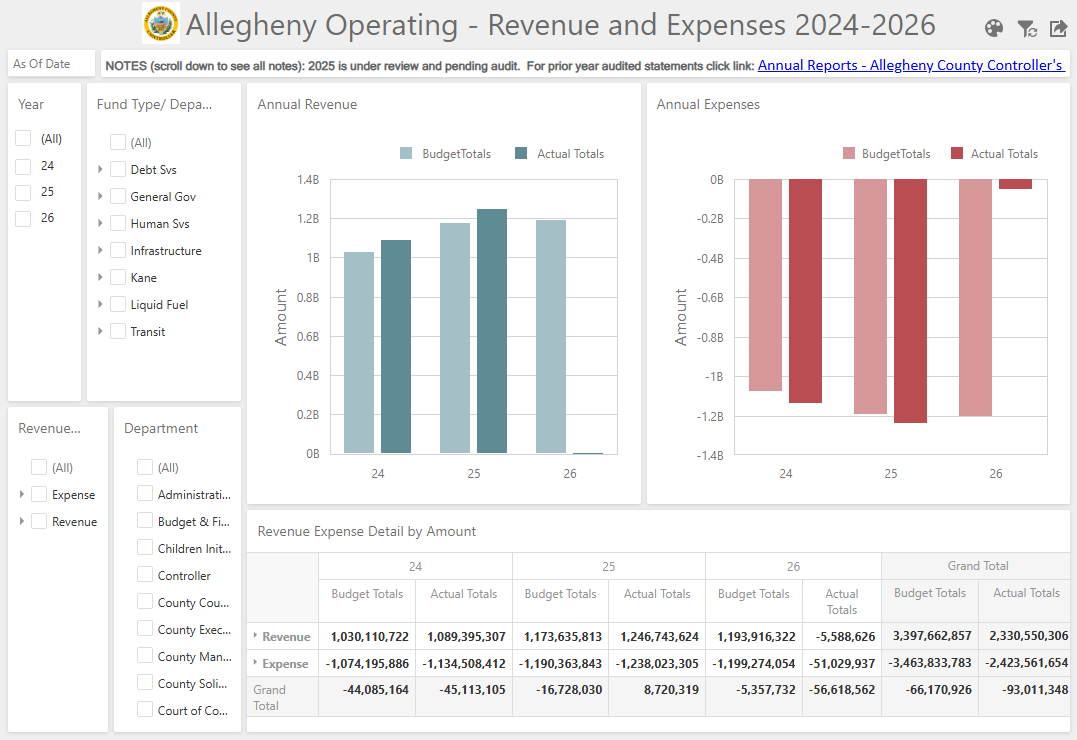
OPERATING BUDGET DASHBOARD
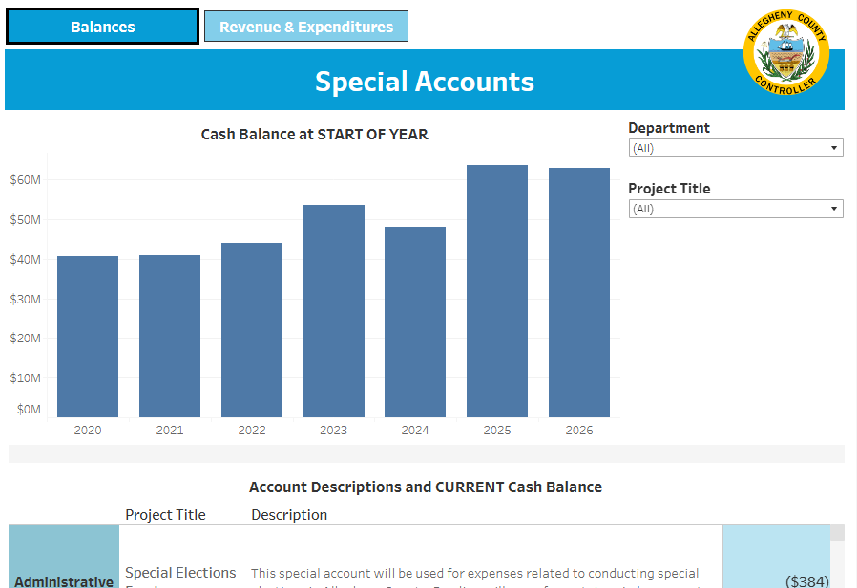
SPECIAL ACCOUNTS DASHBOARD
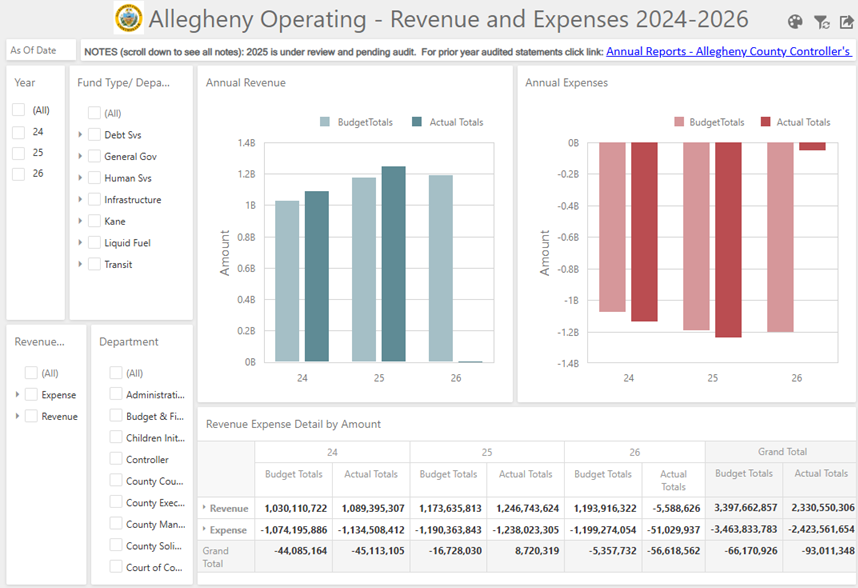

How to Use the Operating Budget Dashboards
Navigation:
Resizing
- You can make parts of the dashboard larger or smaller by clicking and dragging on the edges of the boxes.
- If the table is cut off on your screen, hovering over the table will reveal scroll bars.
- To expand a part of the dashboard to full size, click on the black square with arrows pointing out icon in the top right corner of that box. To get out of that view, click on the red square of arrows pointing inward icon, now in the top right corner.
Drilling down and back up
- You can drill down into the graphs by clicking on the colored bars; to drill back up click the backwards arrow icon in the top right of the graph.
- You can expand filters and tables by clicking on the triangle icons to the left of rows.
Resetting the dashboard
You can reset the entire dashboard by clicking on the filter symbol at the top right of the dashboard.
Exporting the data
- To export data, use the export icon for the table or graphs specifically.
- To export more detailed data, expand rows in the table using the triangle icons before exporting.
County Finances 101
The Operating Budget covers short-term spending by the County (things like payroll, office supplies, and contracts for services), and revenue that can be spent for those purposes. The Operating Budget is made up of three fund groups: General Funds, Special Revenue Funds, and Debt Service. Within those fund groups are seven smaller funds:
- General Fund contains three funds: General Government, Human Services, and Kane Community Centers;
- Special Revenue contains three funds: Infrastructure Support, Liquid Fuel Tax, and Transit Support funds; and
- Debt Service contains one Debt Service Fund.
The Capital Budget tracks larger long-term spending, such as maintenance of roads and buildings or the purchase of larger pieces of equipment such as vehicles.
There are also Special Accounts, which are set up when the County receives money from fees, forfeiture, or State/Federal legislation that (1) generates a non-specified amount of revenue, and (2) must be used for a specific purpose established by a contract, regulation, or legislation. That money is placed in a separate account to ensure that resources are only spent for that purpose. (Examples: Opioid Settlement fund, 911 operations, and the Child Support Enforcement fund.)
FAQs
Why are there sometimes spikes in one year?
In reviewing multiple years of data, you may see “spikes” in the individual years; this can be due to unexpected expenses, such as a hard winter, equipment failure, a capital project, or a specific event that required additional funds. You can drill-down into our financial dashboard platform to learn more about where exactly those expenses or revenues are categorized.